The Tool Desk
Outbyte Driver Updater FREEFix the driver behind crashes, sound loss and screen glitchesFind Drivers →Outbyte PC Repair FREEClear out junk files and repair common Windows errorsFree Scan →Inferse is reader-supported. When you buy through links on our site, we may earn an affiliate commission. As an Amazon Associate I earn from qualifying purchases. Learn more
Nvidia has introduced a groundbreaking feature to its RTX GPU lineup: the ability to upgrade Standard Dynamic Range (SDR) content to High Dynamic Range (HDR) using artificial intelligence. This revolutionary development allows all RTX GPU owners to experience enhanced video quality on HDR10-compatible displays, making it a significant advancement in the realm of video technology.
Key Highlights:
- Nvidia’s RTX Video HDR feature uses AI to convert SDR video content to HDR.
- It is available with the 551.23 Game Ready driver release for the RTX 4070 Ti Super.
- The feature operates in Google Chrome and Microsoft Edge.
- Users require an HDR10-compatible monitor with HDR enabled in Windows.
- RTX Video HDR adds subtle color details to videos, enhancing the viewing experience.
AI-Enhanced HDR: A New Era of Video Quality
Revolutionary AI Technology
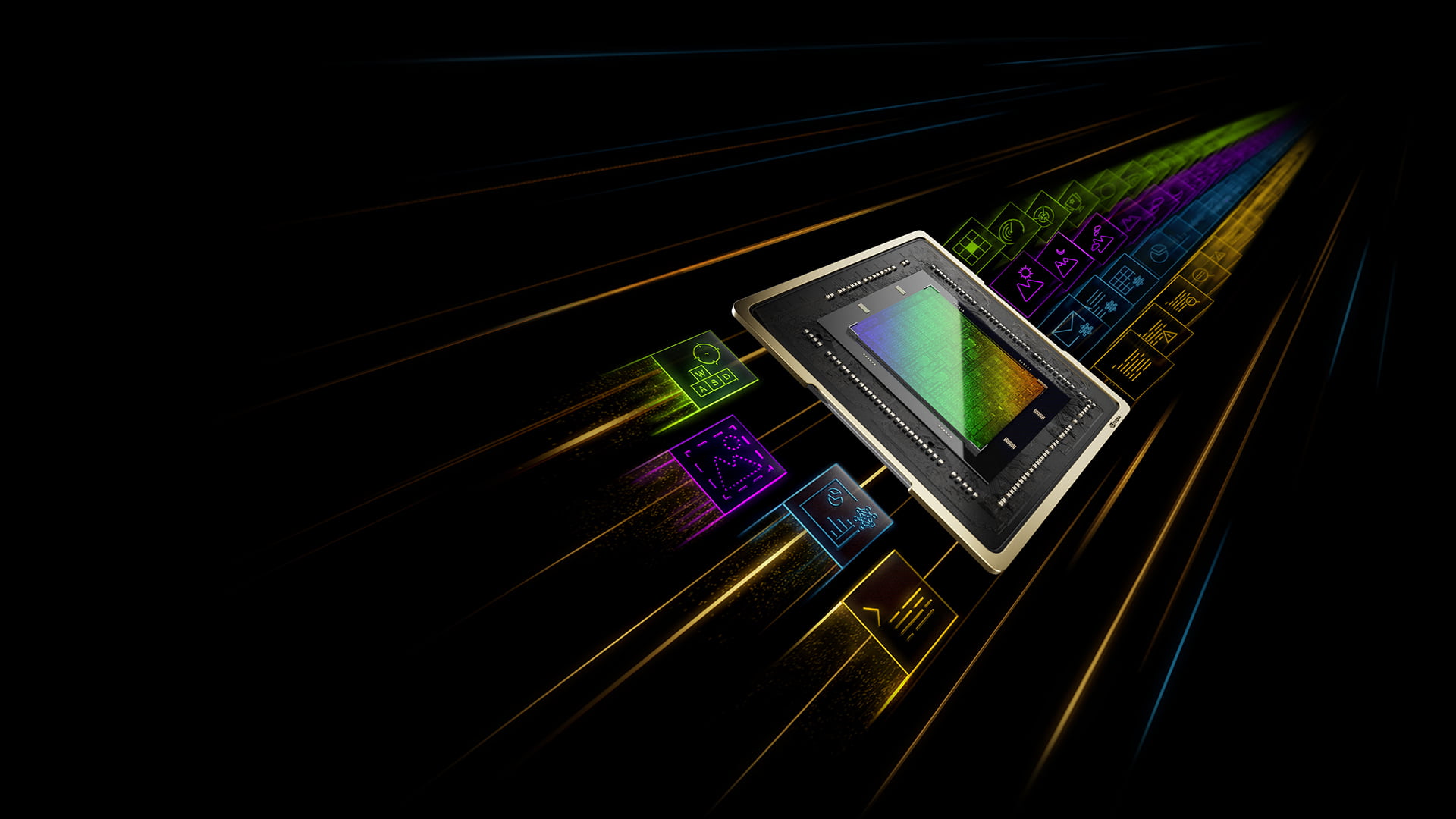
Nvidia’s RTX Video HDR marks a significant leap in video technology. By leveraging the power of AI, this feature can instantly transform SDR video content into more vibrant HDR. The technology utilizes the tensor cores in Nvidia’s RTX GPUs, which were first introduced in the RTX 20-series. This advancement is not just a display of Nvidia’s prowess in AI but also a significant enhancement for video enthusiasts and creators.
| # | Preview | Product | Price | |
|---|---|---|---|---|
| 1 |

|
GIGABYTE GeForce RTX 5060 WINDFORCE OC 8G Graphics Card, Cooling System, 8GB 128-bit GDDR7, PCIe... | $443.22 | Buy on Amazon |
User Experience and Accessibility
During tests on an HDR600 monitor, subtle color details were added to 4K YouTube videos not originally in HDR. While the effect varies based on the quality of the HDR monitor, it generally enhances the overall video quality, providing a more immersive experience. To access RTX Video HDR, users need to download the latest Nvidia drivers and enable the feature in the Nvidia Control Panel under the “Adjust video image settings” option.
Nvidia’s Ongoing Commitment to AI and Gaming
Expanding AI Integration
Nvidia continues to integrate AI into its products, as seen with its Deep Learning Super Sampling (DLSS) system and Deep Learning Dynamic Super Resolution (DLDSR). These innovations have significantly improved frame rates and image quality in games, showcasing Nvidia’s dedication to enhancing gaming and video experiences through AI.
Shopping ad
- Powered by the NVIDIA Blackwell architecture and DLSS 4
- Powered by GeForce RTX 5060
- Integrated with 8GB GDDR7 128bit memory interface
- PCIe 5.0
- WINDFORCE cooling system
Additional Features
Alongside RTX Video HDR, Nvidia has released support for the Ultra Low Latency Mode with DirectX 12 games. This mode, aimed at improving responsiveness and reducing the render queue, further emphasizes Nvidia’s focus on providing an optimal gaming experience.
Conclusion
Nvidia’s introduction of AI-powered RTX Video HDR represents a significant step forward in video technology. By upgrading SDR content to HDR, Nvidia not only showcases its innovative capabilities but also enhances the overall multimedia experience for users. As technology continues to evolve, Nvidia remains at the forefront, continuously integrating AI to redefine our interaction with digital content.
Summary
Nvidia’s RTX GPUs now feature the ability to upgrade SDR content to HDR using AI. This advancement, available with the 551.23 Game Ready driver, works on HDR10-compatible monitors and is accessible in Google Chrome and Microsoft Edge. The integration of AI in Nvidia’s products exemplifies their commitment to enhancing the video and gaming experience.
Quick wins for a faster PC:
Scan for outdated or missing drivers - takes under a minuteDriver Scan →Repair Windows errors before they cause bigger problemsFix Now →Fix the driver behind crashes, sound loss and screen glitchesFind Drivers →Quick Recap
Product prices and availability are accurate as of the date/time indicated and are subject to change. Any price and availability information displayed on Amazon at the time of purchase will apply.
Independent reader supportYour contribution helps us test, update, and keep practical guides available for everyone.